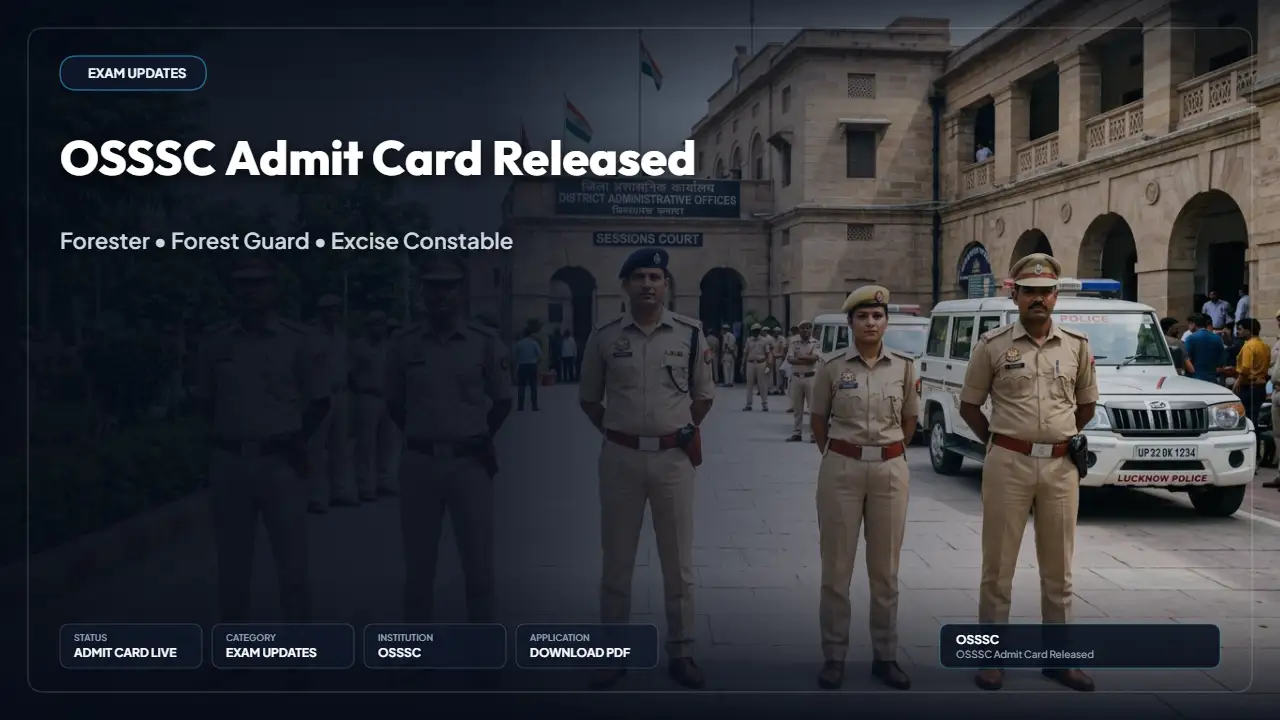
The Odisha Sub-Ordinate Staff Selection Commission (OSSSC) has released the PET admit card for Forester, Forest Guard and Excise Constable posts under CRE-2025 (II) on 1 October 2026; shortlisted candidates can download the admission letter from the official OSSSC website using their User ID and password, and the physical test (PSM and PET) begins on 12 October 2026 for 4,683 candidates.
Admit card release and download
The admission letter for the physical test was published on 1 October 2026. Candidates must use their registered login credentials to access and download the admit card from the OSSSC portal.
Steps to download the admit card:
- Visit the official OSSSC website: https://osssc.gov.in/.
- Open the admit card or admission letter link for the physical test of Forester, Forest Guard and Excise Constable under CRE-2025 (II).
- Enter your User ID and password.
- Check the admission letter shown on screen.
- Download it and take a clear printout.
Quick overview
The table below summarises the key particulars of the OSSSC PET admit card release and related recruitment details.
| Particulars | Details |
|---|---|
| Conducting body | Odisha Sub-Ordinate Staff Selection Commission (OSSSC) |
| Recruitment | Combined Recruitment Examination (CRE-2025 II) |
| Posts | Forester, Forest Guard, Excise Constable |
| Stage | Physical Standard Measurement (PSM) and Physical Efficiency Test (PET) |
| Admit card status | Released |
| Admit card release date | 1 October 2026 |
| Physical test start date | 12 October 2026 |
| Candidates allowed | 4,683 |
| Download mode | Online, with User ID and password |
| Official website | osssc.gov.in |
Important dates
Key events and dates related to the OSSSC recruitment and physical test are listed below.
- Written exam (CBRE mode): 16 April 2026 to 5 May 2026
- Provisional screening list (result) for physical test: 10 August 2026
- Physical test notice published: 1 October 2026
- PET admit card released: 1 October 2026
- Physical test (PSM and PET) begins: 12 October 2026
Login details required
Candidates must use the credentials created during registration to access the admit card on the OSSSC portal.
- User ID
- Password
Details mentioned on the admit card
On downloading the admission letter, candidates should verify all information printed on it and keep the document for presentation at the test venue.
- Name and registration details
- Post applied for
- Physical test date
- Reporting time
- Test venue and district
- Instructions for the physical test
Physical test: PSM and PET
The physical test comprises two parts: the Physical Standard Measurement (PSM) and the Physical Efficiency Test (PET). The tests are held in the respective districts and appearing for the physical test does not guarantee final selection.
Physical standards (partial details)
The following table provides the partial physical standard details released for specific posts and categories.
| Post | Category | Gender | Height | Chest (normal / expanded) | Weight |
|---|---|---|---|---|---|
| Forester and Forest Guard | UR / SEBC / SC | Male | 168 cm | 81 cm / +5 cm | Not specified |
| Excise Constable | UR / SEBC | Male | 168 cm | 79 cm / 84 cm | 55 kg |
PET events
The Physical Efficiency Test is qualifying in nature and the events differ by post as per the recruitment summary.
- Forester and Forest Guard: Walking
- Excise Constable: Running and long jump
Instructions for candidates
Candidates should follow the directions provided on the admission letter and the OSSSC notice when reporting for the physical test.
- Check the date, reporting time and venue on your admission letter.
- Read all instructions on the admission letter and the OSSSC notice.
- Prepare as per the physical standards for your post.
- Reach the venue on time.
- Rely only on the official OSSSC website for updates.
Important links
Official links for candidates to download admit cards and view notices are listed below.
- OSSSC official website: https://osssc.gov.in/
- PET admit card download and physical test notice: https://www.osssc.gov.in/Public/OSSSC/Default.aspx